

Optical Comparators
Plan checks for a profile projector’s measuring stage and optical magnification using the lenses and functions you actually use.
Overview
An optical comparator, also called a profile projector, enlarges a component’s outline or surface features for inspection. Measurements can depend on the X and Y stage, lens magnification and screen or angle-measuring features. These characteristics need to be distinguished when defining the calibration scope.
Tell RTS whether you measure dimensions using stage movement, compare an image with an overlay, or use angle readings. Identify every lens and illumination mode involved. The manufacturer’s specification and your measurement requirements should guide the proposed checks; confirm the supported combinations and reporting requirements with RTS.
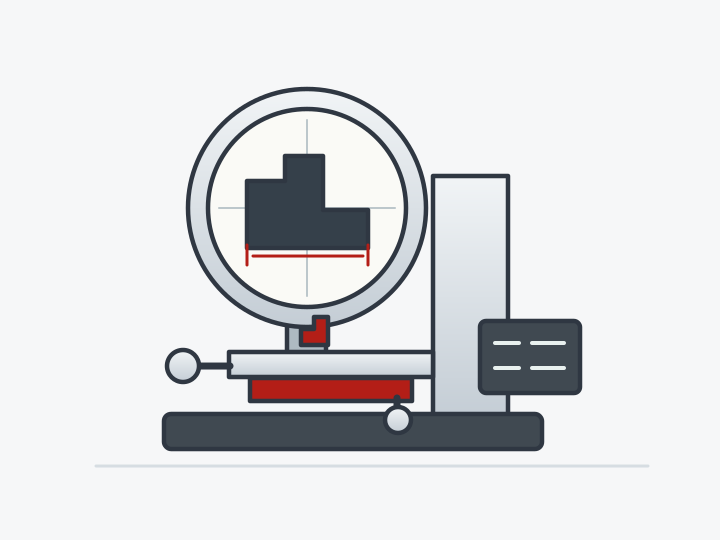
What to include in your enquiry
- Projector manufacturer, model, serial number and any digital readout details.
- X and Y measuring ranges and the part sizes normally inspected.
- Each projection lens and its stated magnification.
- Whether transmitted-light outlines, reflected-light surface features or both are used.
- Any angle readings, overlays or edge-detection features requiring assessment.
- Manufacturer specifications, previous calibration results and the equipment location.
Confirm before booking
- Confirm the axes, lenses, illumination modes and angle checks included in the work.
- Agree the applicable specification and any required uncertainty or accreditation scope with RTS.
- Confirm handling arrangements and which lenses or accessories must accompany the equipment.
Common questions
- Does a sharp image prove that measurements are accurate?
- A clear image helps inspection, but it does not establish stage accuracy or magnification accuracy. Calibration requirements should address the functions used to obtain the result, not just how well the image is focused.
- Why should I list every lens?
- Magnification is a separate characteristic from stage travel. Different lenses and illumination modes can require different checks, so listing the combinations used avoids assuming that a single check covers the complete projector.